
Using Our Products: We Make Your Job Easier
BankPolicies.com provides you the opportunity to download our bank policy, job description, or form template products 24 hours a day, 7 days a week, by creating a User Account and paying with a credit card, debit card, or PayPal account. This makes the process more efficient and your job easier. BankPolicies.com also recommends our clients use the following guidelines when using our products.
NOTE: Orders placed by U.S. financial institution clients who wish to pay by Automated Clearing House (ACH) via our invoice will be processed manually during our normal business hours Monday - Friday (excluding holidays) from 8:00 am to 5:00 pm PST.
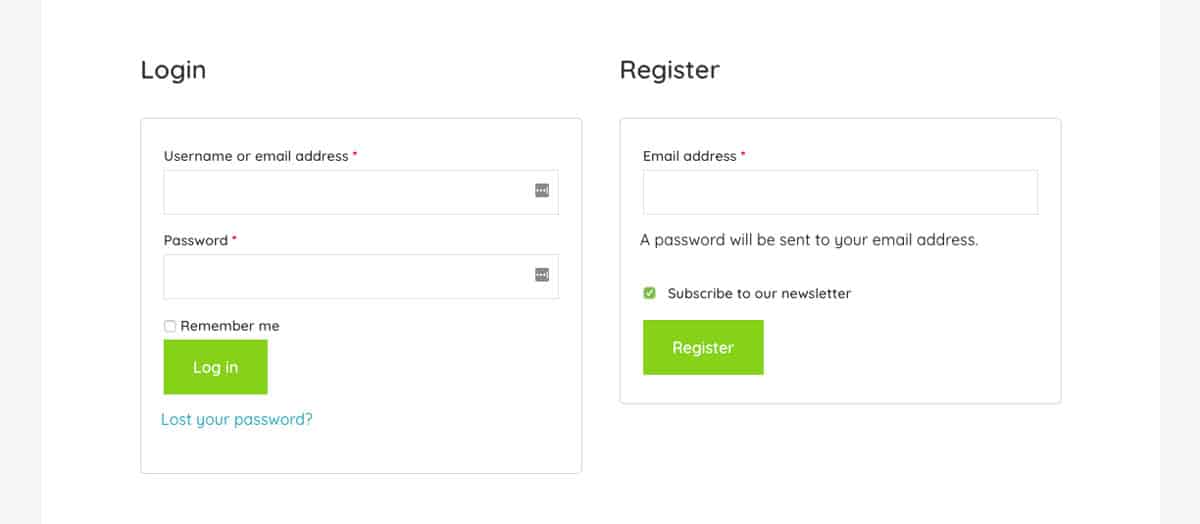
To access digital templates, create a BankPolicies.com User Account through the My Account page. Register using your e-mail address and set a secure password. Then select the templates you need, add them to your cart, and proceed to checkout.
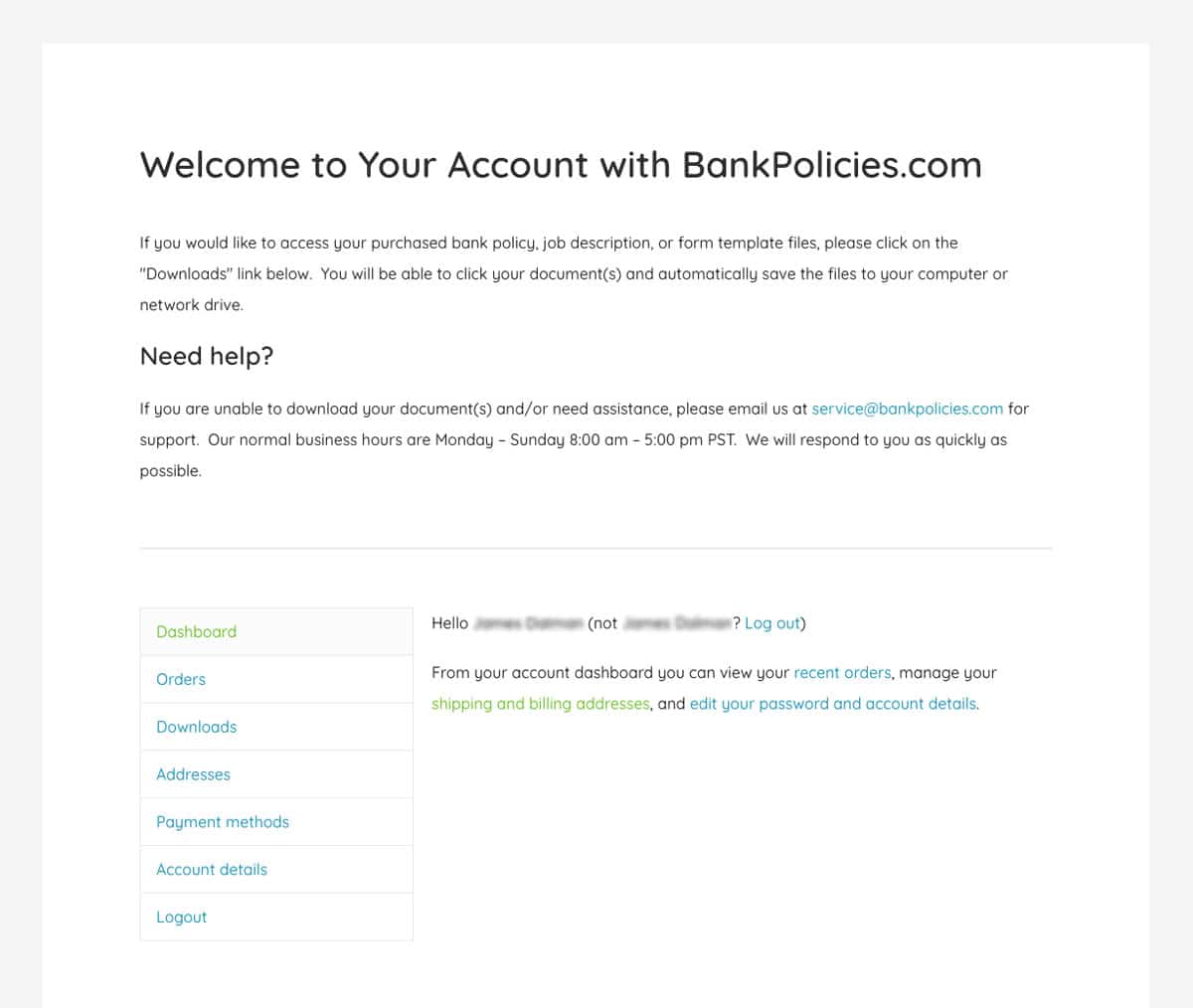
After completing your purchase, visit your Account Dashboard to view order details, downloads, and account information. Access your templates by selecting the “Downloads" link.
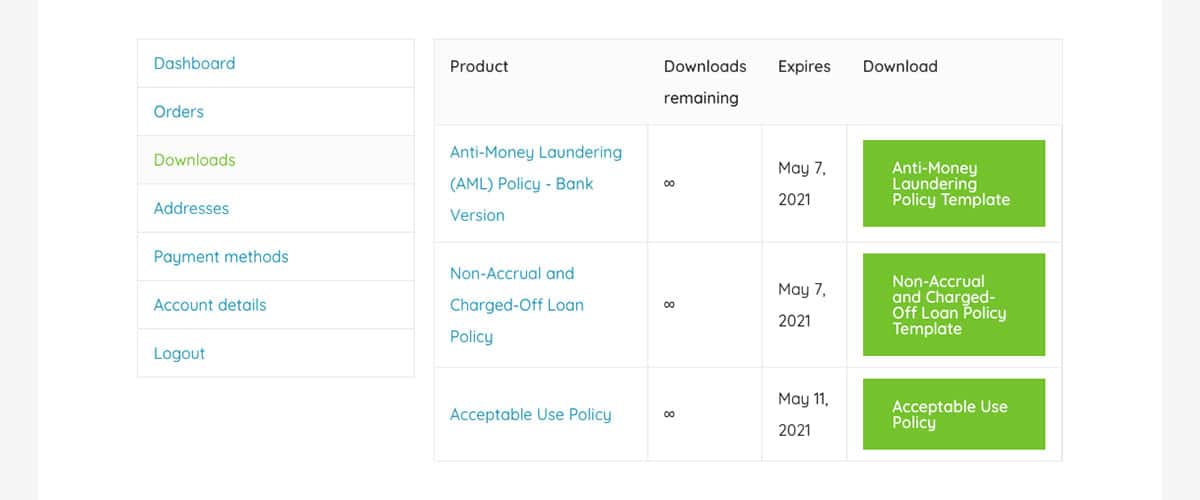
Locate the individual template or .zip file (for larger orders) you wish to download and click on the green download button. Files must be downloaded individually.
Our Microsoft Word templates are designed to be easily customized. Do not implement them as-is. Instead:
- Save the original file for reference.
- Create a working draft copy.
- Modify the content to fit your organization’s requirements.
Products purchased from BankPolicies.com grants the purchaser a single use license, in which the products may not be used (copied, resold, performed, distributed, rented, sublicensed, altered, stored for subsequent use, etc. in whole or in part, in any manner which would constitute a violation under the Copyright Act) without BankPolicies.com's express prior written consent.
Use your customized draft and the original template to prepare a document for internal review. Submit it to management or relevant committees for discussion and revision before seeking final approval.
Consult with stakeholders, gather operational details, and ensure the document aligns with your institution’s practices. Policies should include supporting procedures rather than referencing external materials.
Maintain consistent formatting across your policy manual, including fonts, layout, headers, footers, and page numbering. A standardized indexing system (e.g., 100 Series for Administration, 200 for Compliance) improves usability.
Write in clear, direct language. Organize documents logically, beginning with major topics and supporting details.
Define responsibility using job titles, departments, or branches rather than individual names to maintain accuracy over time.
Attach forms, reports, diagrams, contracts or agreements, or other supporting materials as exhibits. Use sample data or fictitious information where needed.
Review and update policies regularly to ensure compliance with guidance from regulatory agencies such as the FDIC, Federal Reserve, OCC, and other federal regulatory bodies. Policies typically require annual board of directors approval, while procedures may require more frequent updates. Use markup (bold, underline, strike-through) to highlight revisions during the approval process.
Provide staff with controlled access to the policy or job description manual, whether in hard copy or digital form. Use distribution tracking and acknowledgements to confirm receipt and placement of updates.
New or revised policies or procedures may require employee training. Maintain documentation of training activities to support audits and compliance reviews.
Please contact us if you have any questions.